Garment/Style Approvals
How to Handle garment/Style Approvals
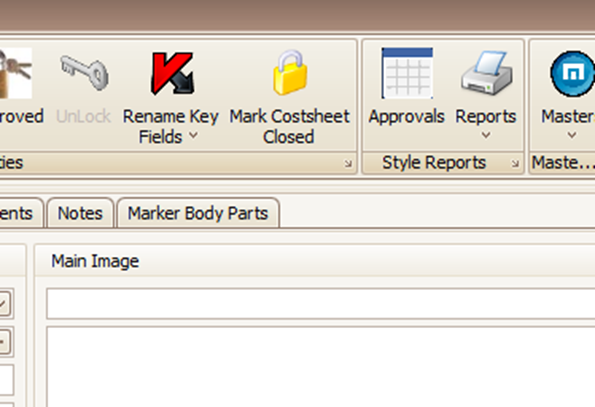
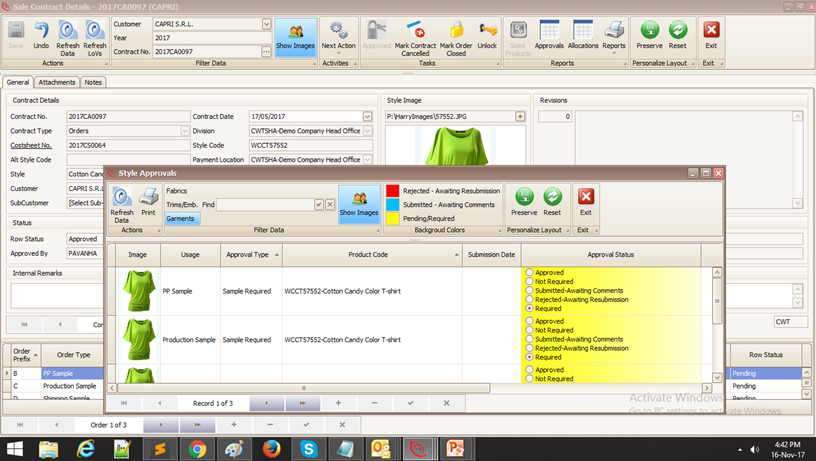
- Open the cost sheet or Sale Order or Sale Contract and click on "Approvals"
How to submit a sample
- To submit something, click “Submitted – Awaiting Comments “. And enter the tracking number in the comments
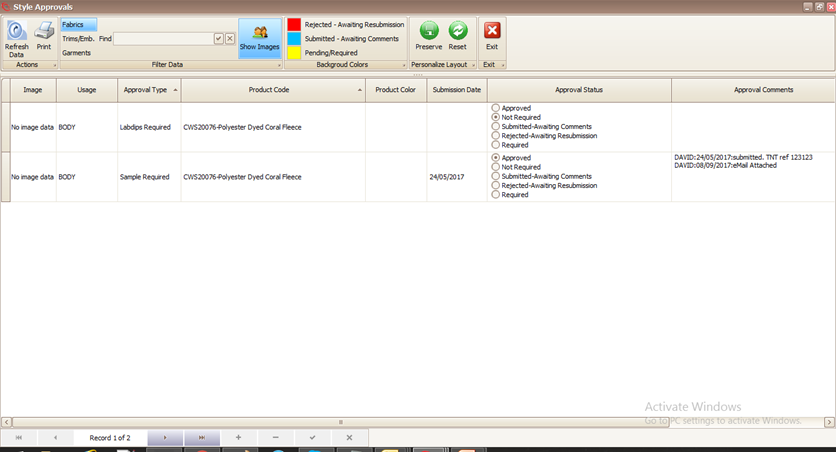
- Style, Fabric, Lab-Dip , Strike-Off, Print / Embroidery and Lab tests are all recorded here.
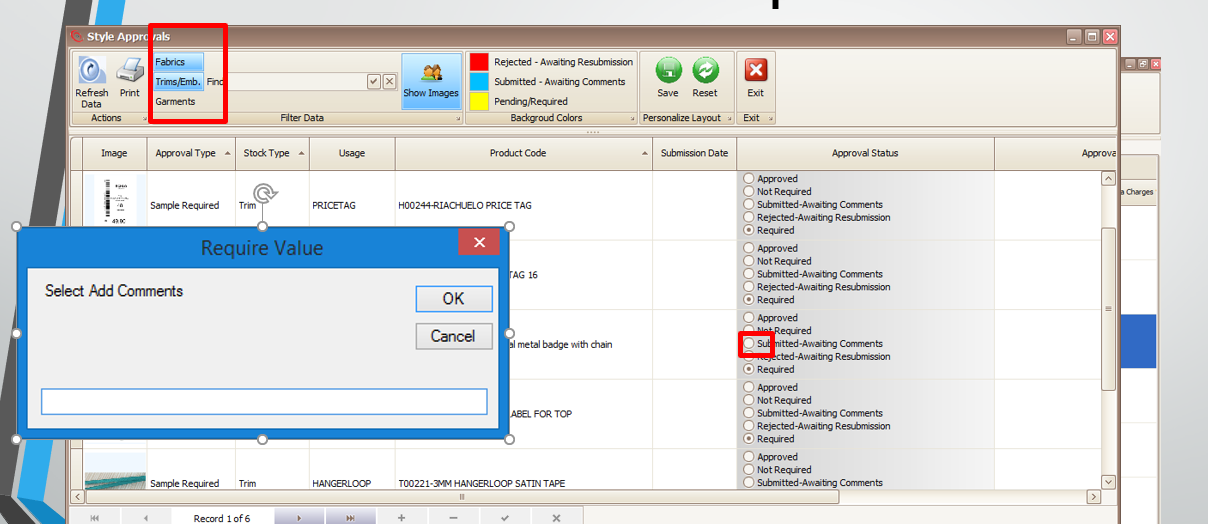
When you receive approval, click Approved button and copy & paste the buyer's confirmation email into the pop up box
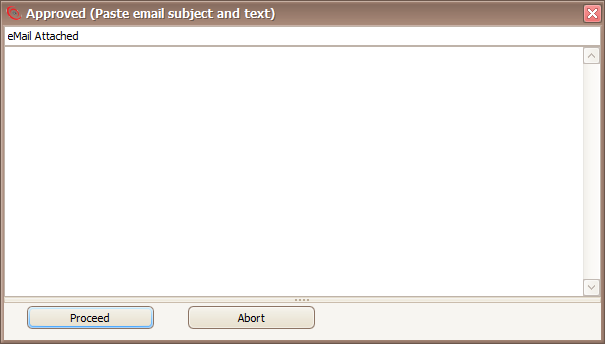
- It's the same process if the buyer rejects the sample. After rejection the item reverts to awaiting submission.
- If necessary you can add images or other notes….
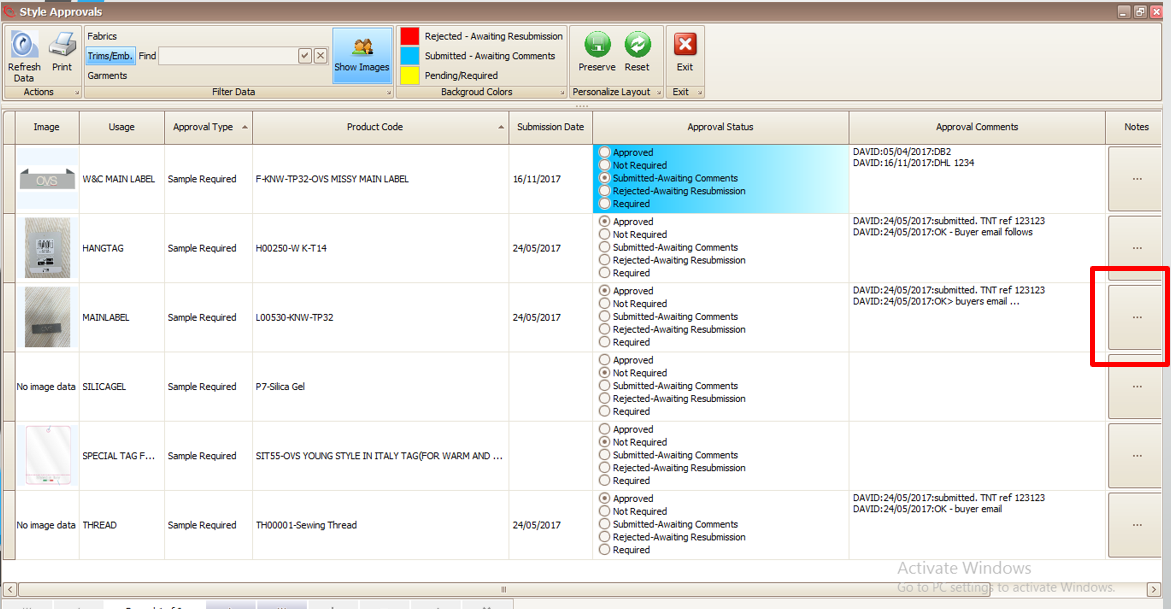
Status of Sample submissions and approvals
Created with the Personal Edition of HelpNDoc: Full-featured EPub generator