Sized Products (Style CostSheet)
Handling Sized Products
Different size has different details, like width, Code, Consumption, etc. Use the Sized product tool to assign the actual fabric width.
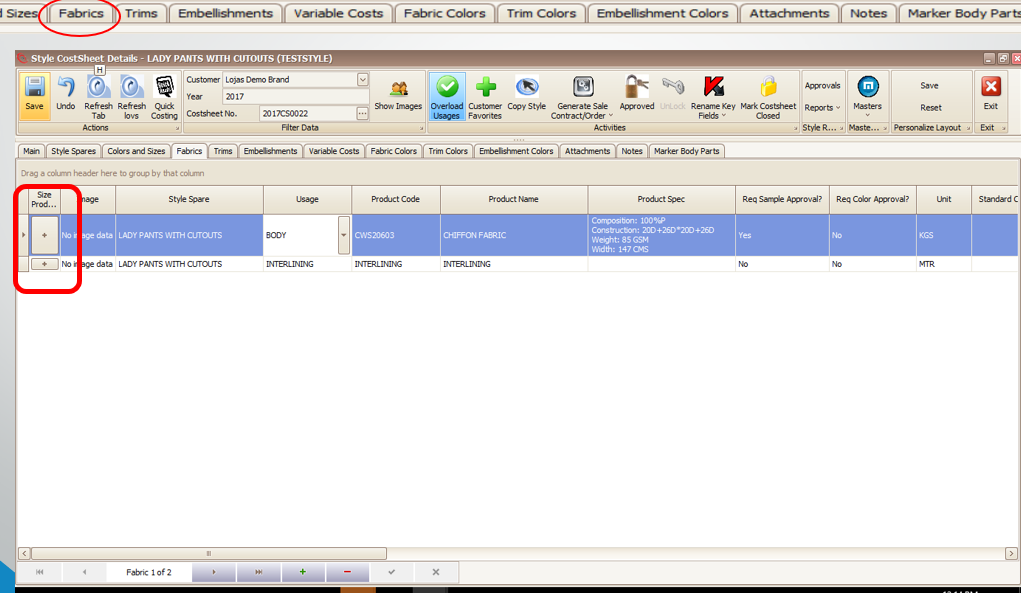
The size product looks like this screen where you can specify different data for each size. Sized Trims Tool can be used in three ways
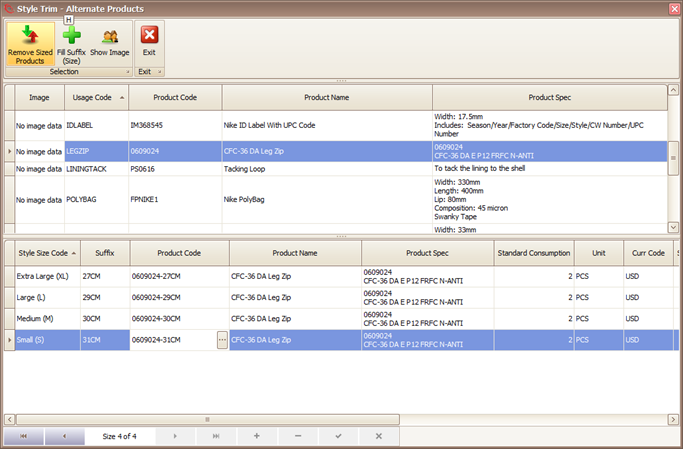
- Fabric/Accessories which include the garment size in their spec (e.g. size labels)
- Fabric/Accessories which change dimensions according to garment size (e.g. zippers bought by the piece)
- Fabric/Accessories which change consumption according to garment size (e.g. zippers bought by the meter and cut off the roll).
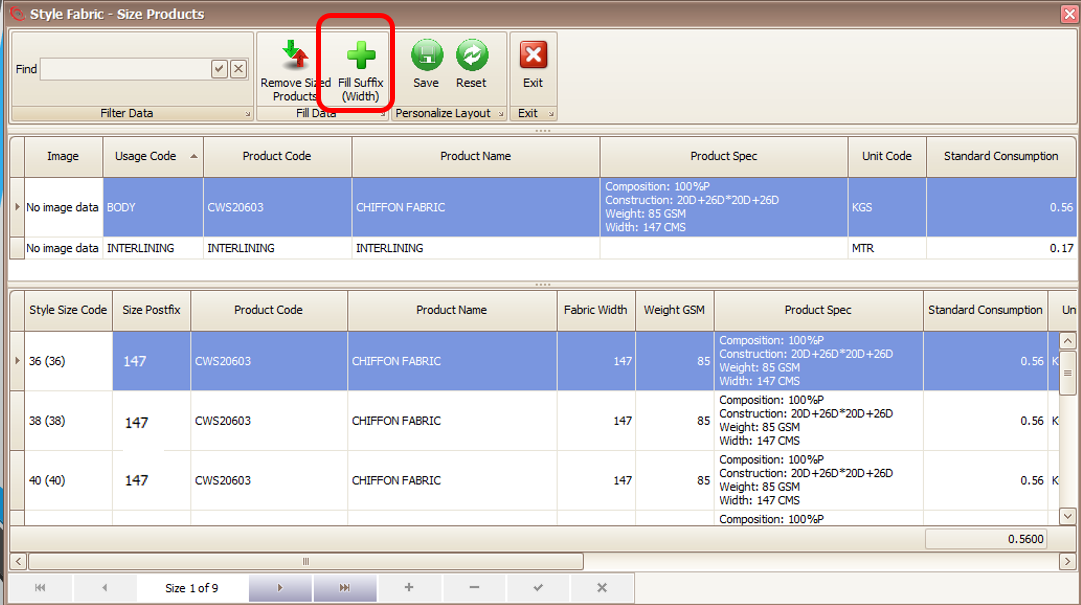
OR
Created with the Personal Edition of HelpNDoc: Easily create PDF Help documents